What skills are
Skills are guided builders for one specific job. How to start one, how it is paid for, and what you get.
A skill is a guided builder for one specific job. Instead of describing a whole website in the chat, you answer a few questions, and the skill does a particular kind of work in a particular way: it plans the steps, makes what is needed with AI, and hands you a normal project.
There are two kinds:
- Guided builders start from an icon on the home screen, make something specific, and give you a project. Scroll world is one: a landing page where scrolling flies a camera through a world of scenes, built from AI pictures and video.
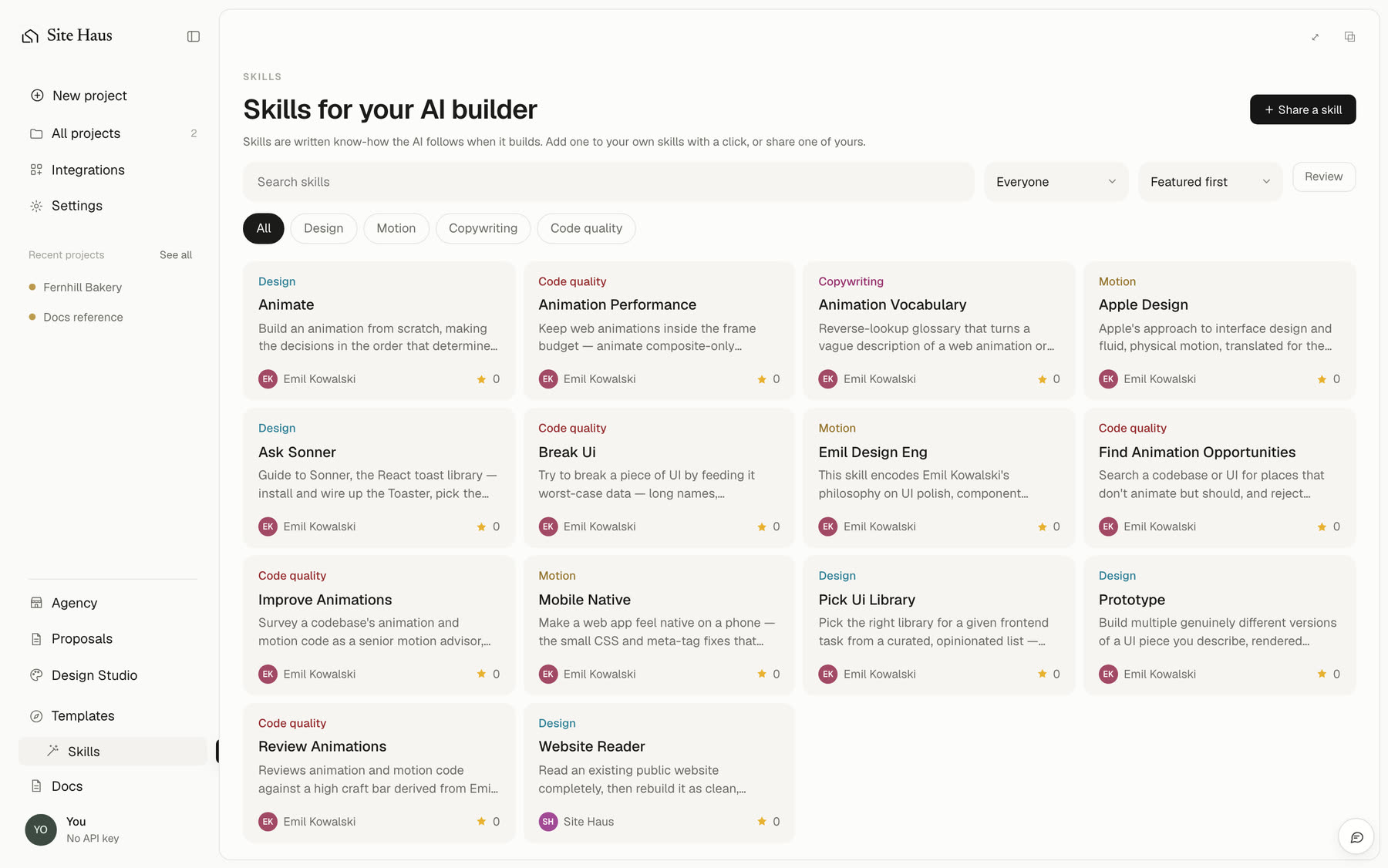
- Expert instructions (2 of your choice on the Free plan, all of them on Pro and Power) are written guides the AI follows while it builds your website or web app, for example how to make an animation feel right or how to stop a page feeling like a website on a phone. You do not start these from an icon: you ask, or you call one by name in the chat. Use skills when you build explains how, and Emil Kowalski's skills lists the ones that come with Site Haus.
More skills are added over time. Each one has its own page in this section.
Starting a skill#
Guided builders start from the home screen. The Scroll world builder opens from /scroll-world in the box (type / to see it), in its own window with your earlier builds listed in it. Expert instructions are used from the chat of a website or web app project.
What every skill gives you#
- A normal project. The result opens in your workspace like anything else you build. You can preview it, change it by chatting, publish it, download it, and see its versions.
- Steps you can watch. A skill that takes a while shows each step as it finishes. You can close the window and come back, and you can pause and carry on later.
- A cost before you start. If a skill uses paid AI services, it tells you what it will make and roughly what it will cost before anything is made.
- Carrying on after a problem. If a step fails, or you run out of credits, the skill pauses and says why. What was already made is kept, and starting again only makes what is missing.
How skills are paid for#
Some skills only use the built-in AI. Others make pictures or video with outside services, which cost money. For those you choose how to pay, and you can use either:
- Your own key. Connect it in Integrations, under AI pictures and video. The service bills you directly, and Site Haus charges nothing.
- Site Haus credits. If the site owner has turned this on, each picture or clip is charged to your included usage and then your credits, one at a time and only after it works. You can add credits without leaving the app.
You can see what a skill used on the Usage page in Settings.
Skills and your own AI#
A skill is not the same as connecting your own ChatGPT or Claude. That connection lets your own agent build in your projects, for free, as described in Connect your own AI. A skill is a builder inside Site Haus, and it uses Site Haus to run its steps.
Where skills come from#
Some skills are built on open-source projects. When one is, its page says so and names the project and its licence.