AI pictures and video
Connect your own fal, Higgsfield or OpenAI key, or pay with Site Haus credits, to make pictures, video clips and music.
Some parts of Site Haus make pictures, video clips and music with AI: the Scroll world builder, and the AI cinematic shots and music in Make a video from a project. These use outside services, so each one has a cost. You choose how it is paid.
Connect your own key#
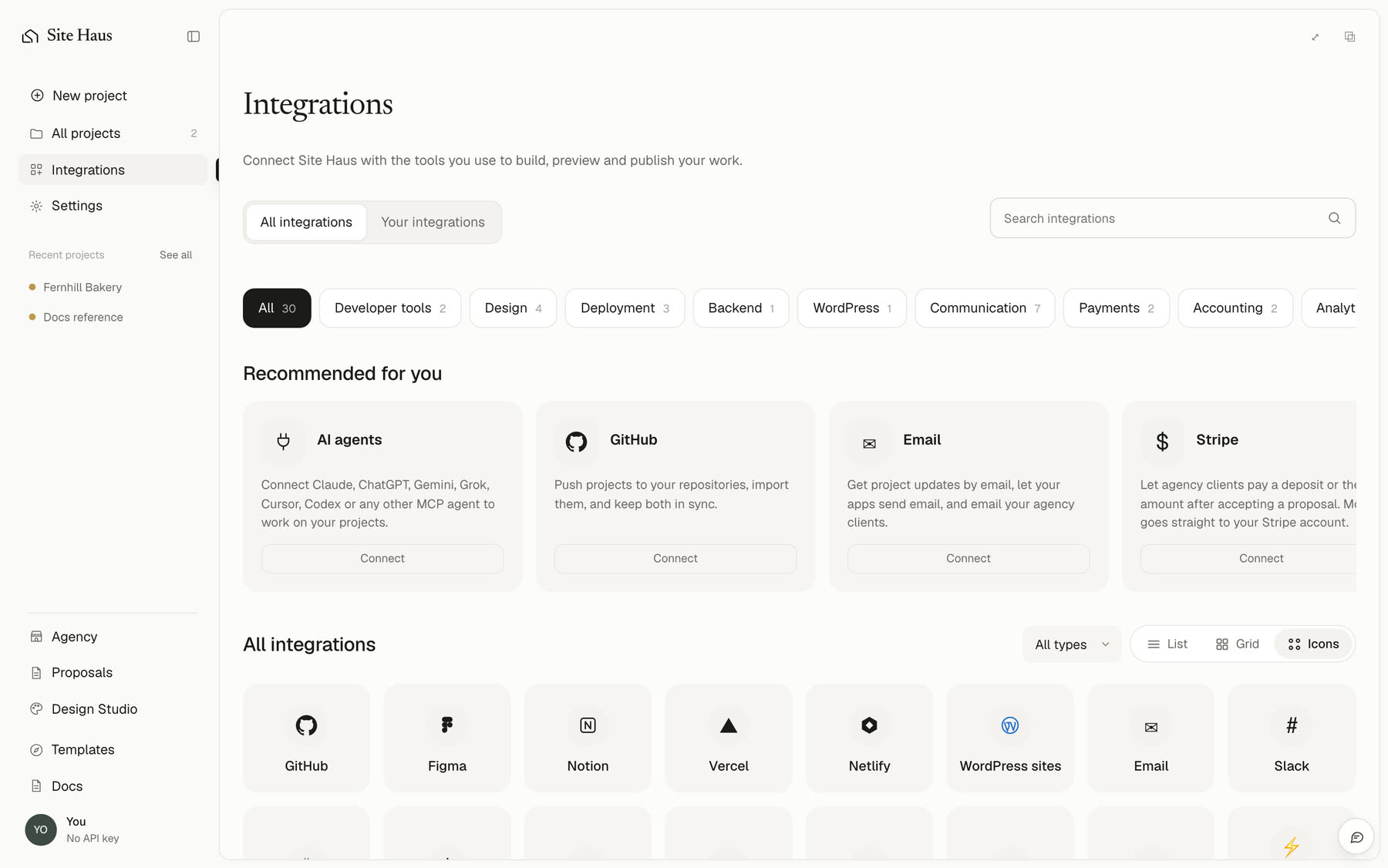
Open Integrations and choose AI pictures and video. There are three services:
- fal makes pictures, video and music. It is needed for Scroll worlds and for music. In fal.ai, open Dashboard → Keys and make an API key.
- Higgsfield makes video clips. In Higgsfield Cloud, make an API key, then paste the key ID and the secret with a colon between them, like
ID:SECRET. It is used for AI cinematic shots when you choose it. - OpenAI makes pictures. In platform.openai.com, open API keys and make a key.
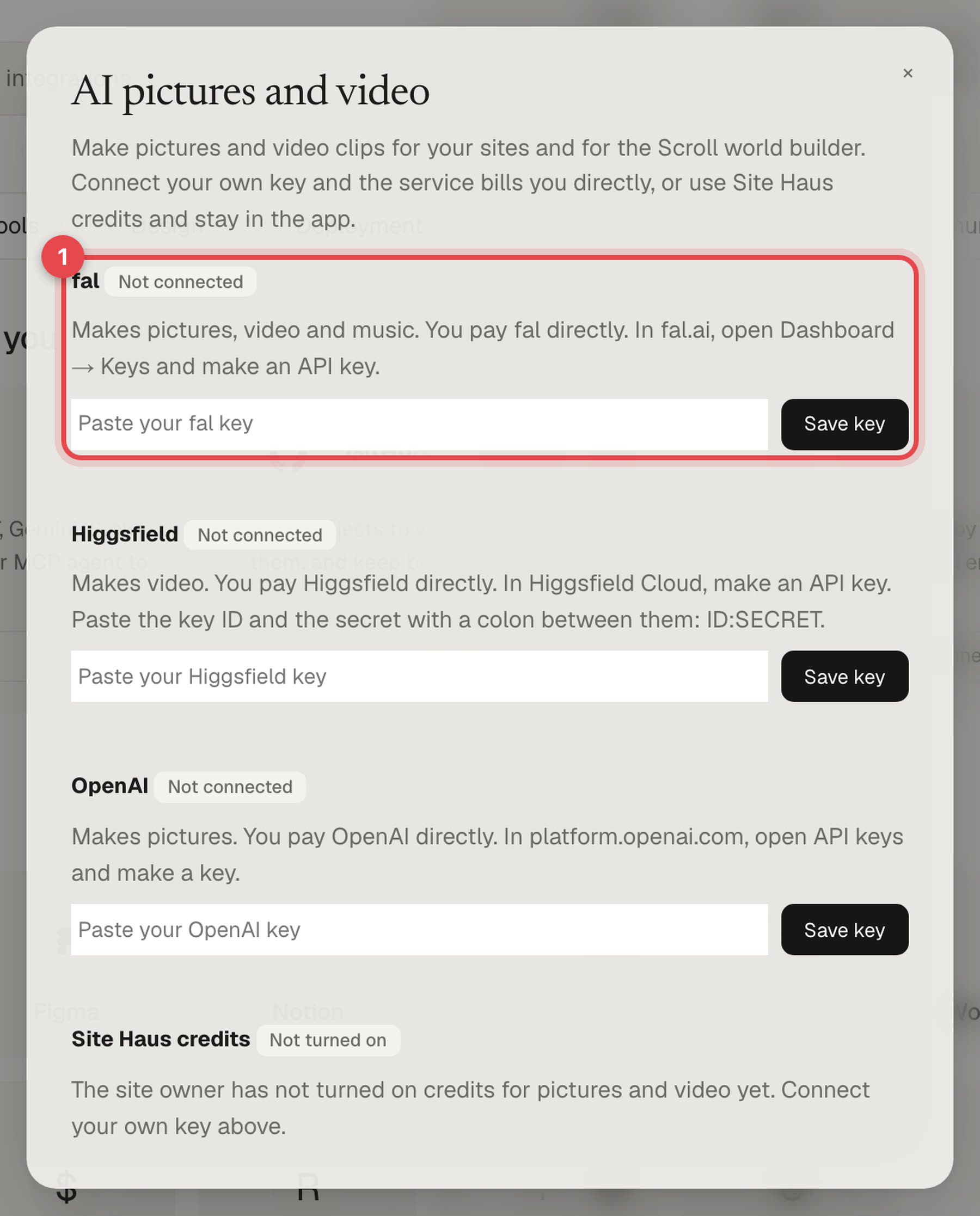
Paste the key and press Save key. Site Haus checks it with the service first, and keeps it sealed so it is never shown again. With your own key, the service bills you directly and Site Haus charges nothing. Press Remove key to take it away.
Use Site Haus credits#
If the site owner has added their own keys and turned this on, the same card shows Site Haus credits with the price of a picture and of one second of video. These are charged to your plan's included usage first, then your credits, plus a small markup, and only after the picture or clip has been made. If it fails, nothing is charged. The credits are the same ones that pay for the built-in AI, and Add credits takes you to the payment window without leaving the app.
If you have your own key, it is used first.