Integrations overview
Connect the services you already use, from one page.
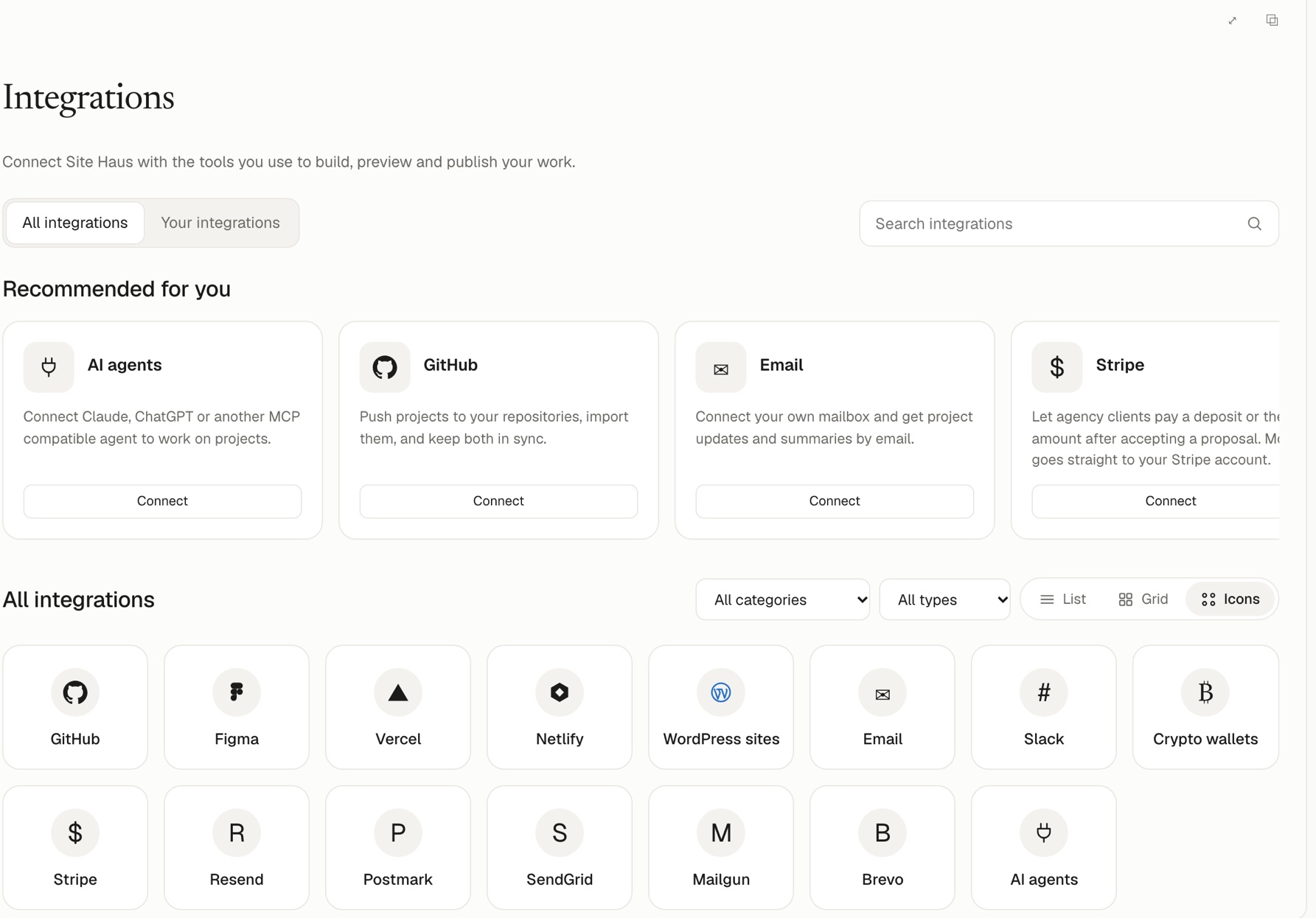
Open Integrations in the sidebar. Every service is a card; press Connect on the one you want. Use the search box, the category and type filters, and the List, Grid and Icons views to find one. The Your integrations tab shows what is connected, and Recommended for you suggests where to start.
| Integration | What it gives you |
|---|---|
| Figma | Rebuild a real Figma design |
| Notion | Keep an app's data in a Notion database |
| GitHub | Push versions as commits, import repositories |
| Supabase | A database, sign-in and file storage for a web app |
| Google Calendar and Analytics | Put due dates on your calendar and see web traffic on your dashboard |
| Framer | Import a Framer site by its link and rebuild it |
| Website by link | Read any public website with a real browser and rebuild it |
| QuickBooks and Xero | Send invoices and payments to your books |
| Unsplash photos | Search free photos and add one to your chat or design |
| Zapier, webhooks and API | Send events to other tools and read your agency data |
| Vercel and Netlify | Deploy to your own account |
| WordPress sites | Install themes on your own WordPress |
| Send agency email from your own mailbox or provider | |
| Stripe and crypto wallets | Get paid on proposals, see Get paid |
| Slack | Post project updates to a channel, using a webhook |
| AI agents | Use your own Claude or ChatGPT |
| Higgsfield and MCP servers | Let the chat generate images and video, or use other services |
Sign in or paste a token#
Where the site owner has set it up, you connect with a Sign in with … button. Otherwise, or if you prefer, choose Use a token instead and paste a token from that service. Tokens are stored encrypted and are never shown again.