Create an account
Sign up, sign in, and what each plan includes at the start.
Sign up#
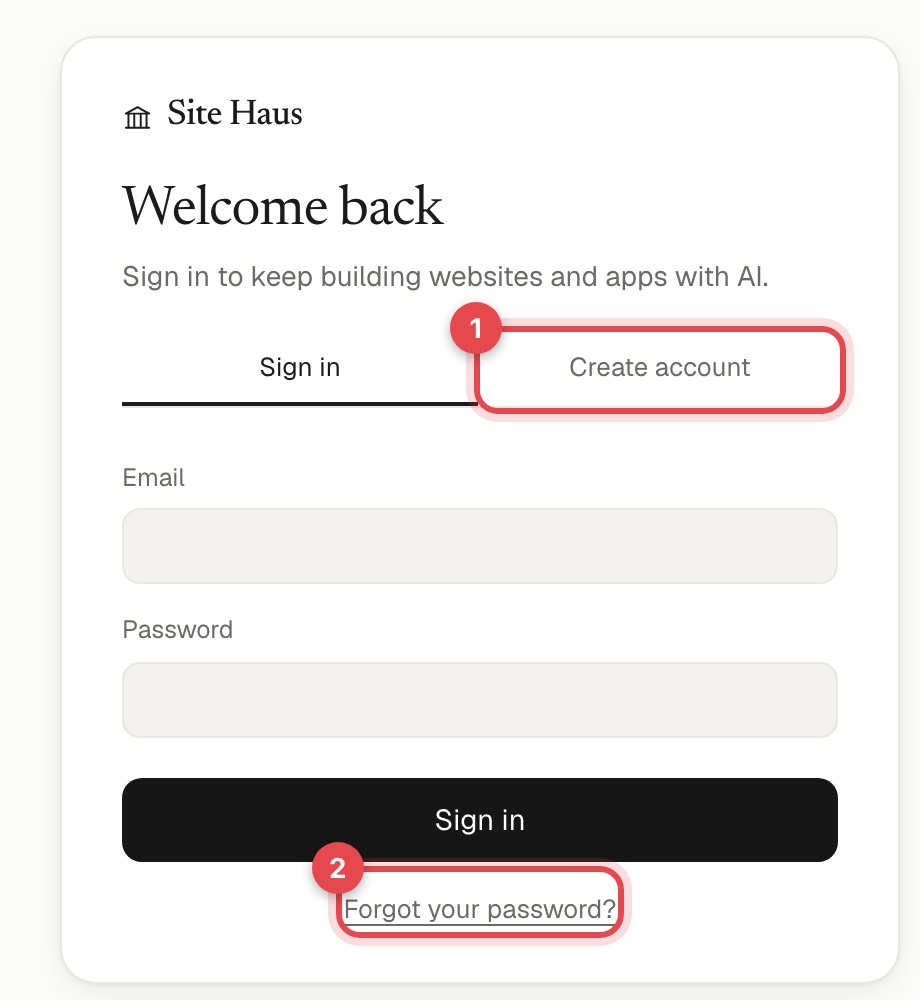
- Open Site Haus and choose Create account (1) on the sign-in screen.
- Enter your name, your email and a password of at least 10 characters. Avoid common passwords: Site Haus refuses them.
- You land in your workspace, on the Free plan.
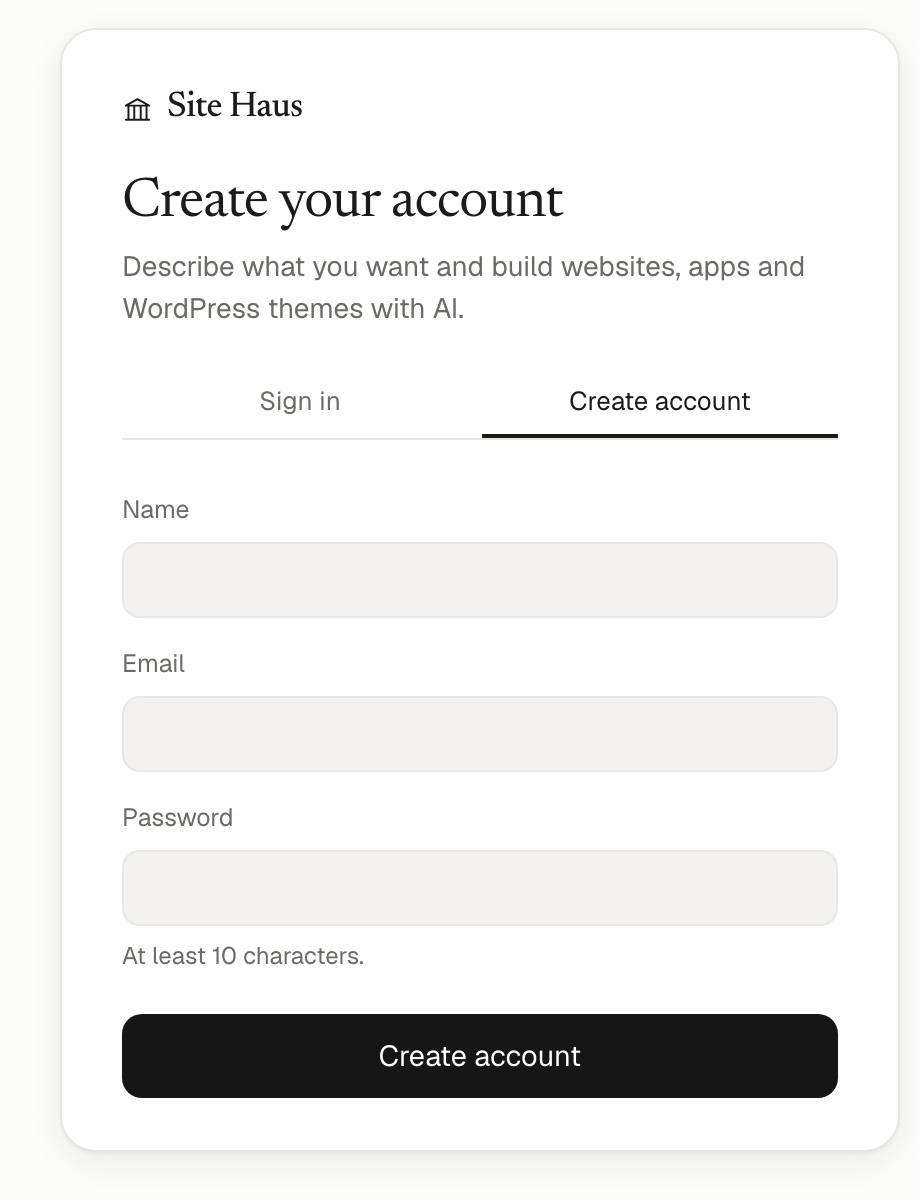
You can sign in again from any device with the same email and password.
If you forget your password#
On the sign-in screen choose Forgot your password? (2 above), enter your email, and open the link we send you.
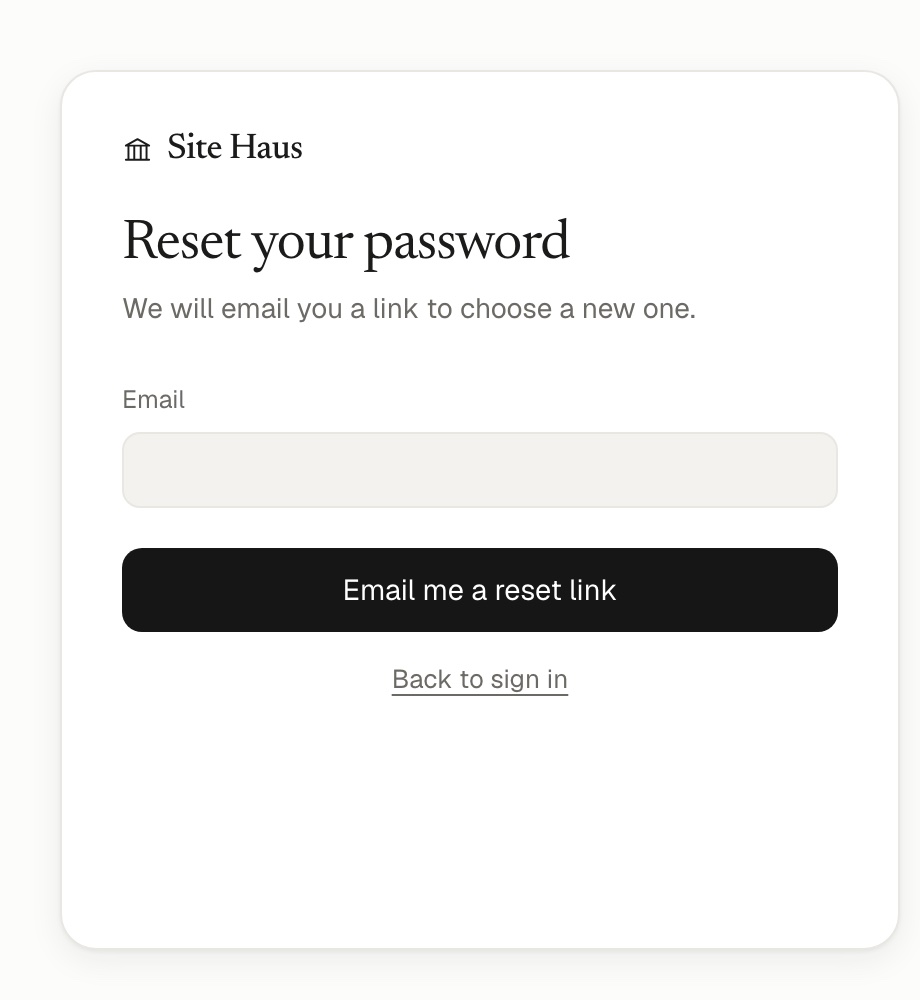
The link works once and expires after an hour.
Your plan to start with#
New accounts are on Free. Free is for trying things out: up to 3 projects, one published site, and ZIP export of your work. Pro and Power remove the project limit and add more publishing and hosting, a monthly AI allowance, a custom domain, and the Agency tools. See Plans and credits for the full comparison.
Keeping your account safe#
- Use a password you do not use anywhere else.
- In Settings → Profile you can change your name, email and password, and sign out your other devices.
- Everything you make is private to you. Nobody else can open your projects unless you share a link or invite them to your agency.
Deleting your account#
Settings → Profile has a delete option. Deleting removes your projects, connected sites and agents, and cancels your subscription. It cannot be undone, so download anything you want to keep first.